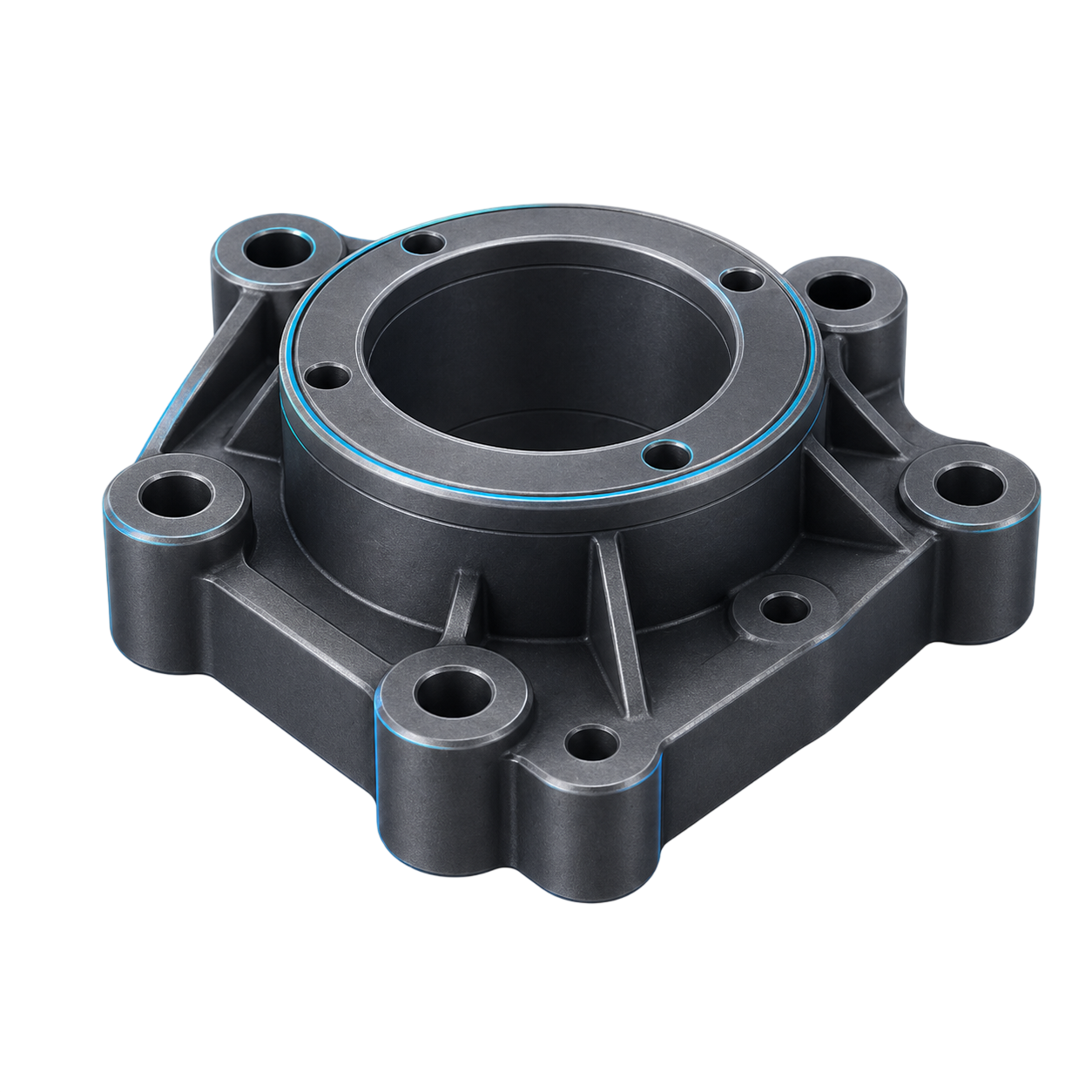
Start with what you have
Specs, drawings, STEP, IGES, Parasolid, or native SLDPRT — PartProof reads what you already have.
 PartProof
 Verified CAD Automation
Turn specs, drawings, and STEP imports into editable SOLIDWORKS features you can defend in design review. Runs locally. Every change is traced.
Free during beta · Runs locally as a SOLIDWORKS add-in · No account, no cloud upload
How it works
Not another black-box CAD AI. Every feature PartProof adds is a normal SOLIDWORKS feature you can edit, roll back, or delete — with a trace of how it got there.
Specs, drawings, STEP, IGES, Parasolid, or native SLDPRT — PartProof reads what you already have.
Extrudes, revolves, cuts, holes, fillets — the same primitives you would build by hand in SOLIDWORKS. Edit, roll back, or delete like any normal feature.
Every feature is checked against your model dimensions, tolerances, and GD&T callouts before it is handed back.
Every run leaves a proof trace: what changed, what was checked, what passed.
FAQ
PartProof is a SOLIDWORKS add-in that turns specs, drawings, and STEP imports into editable CAD features — and validates every feature it adds against your dimensions, tolerances, and GD&T callouts. Every run leaves a proof trace you can hand to design review.
Yes. PartProof itself is completely free during the beta — no license, no credit card, no usage limits, no expiry. Download the build from GitHub releases and use Discord for setup help, bug reports, and workflow requests.
Yes. PartProof is the proof and validation layer — it talks to your own Codex CLI or Claude Code subscription for the AI side. You control the model, the cost, and the conversation. PartProof never bills you for AI tokens, never holds your credentials, and you can switch between Codex and Claude per session.
Nowhere. PartProof installs as a local SOLIDWORKS add-in and runs on your machine. No account, no cloud upload, no telemetry of your geometry. You keep your IP.
Beta access
The beta is free for engineers who want CAD automation they can actually defend in design review — with the validation evidence to back it up. Practical feedback shapes the next release.
100% free during the beta. No license, no credit card, no usage limits.
Installs as a SOLIDWORKS task-pane add-in. Requires SOLIDWORKS 2024 SP0+ on Windows 10/11.
Runs locally — no account, no cloud upload, your geometry never leaves your machine.